How to deploy robots: 9 steps from hearing and 3D mapping to maker selection and after-sales care
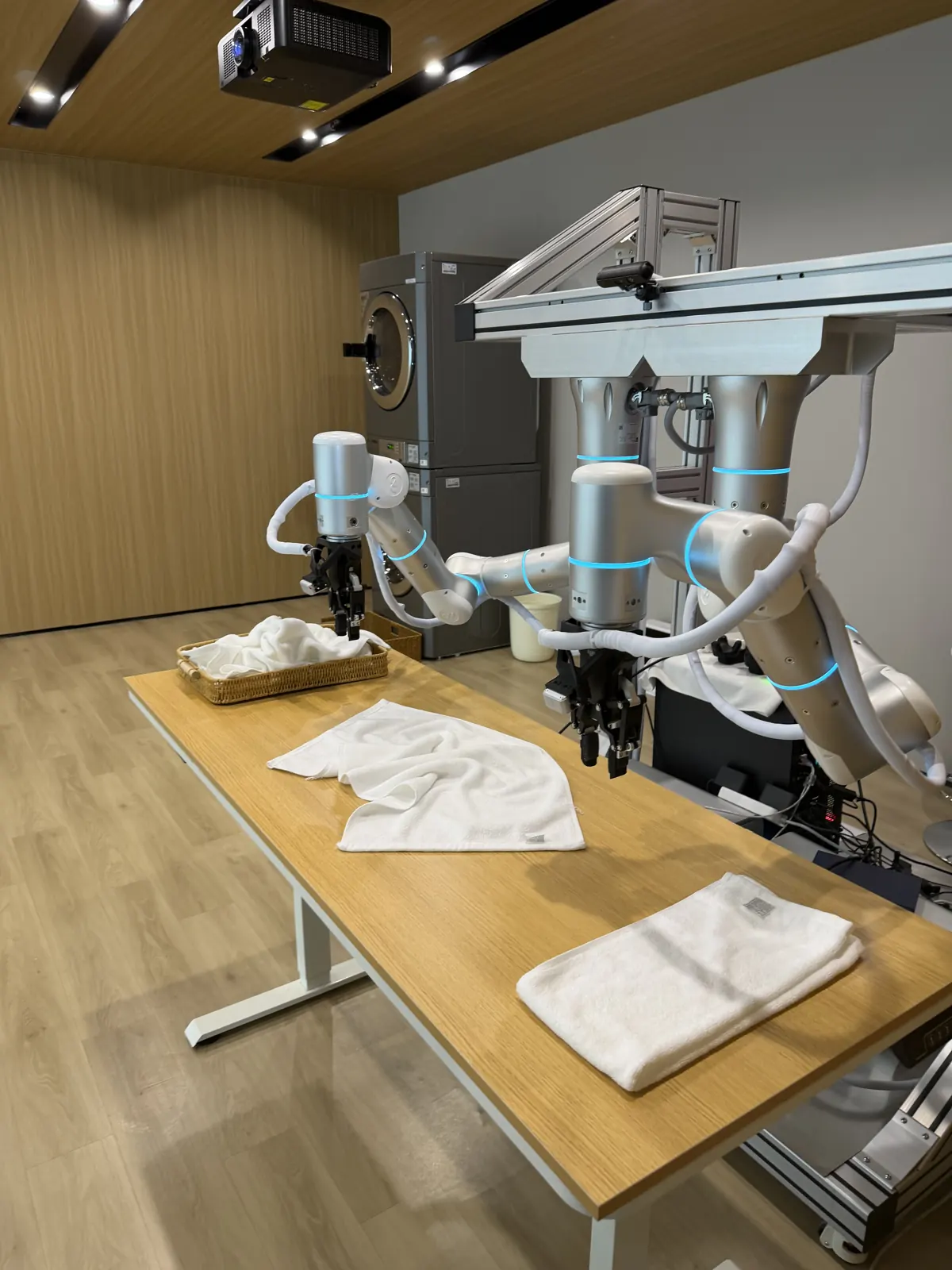
Starting with the robot spec sheet often leads to trouble on the floor. Here are the nine steps DigiRise follows — understand, find and choose, validate, and keep running.
With new humanoid and dual-arm robots announced every month, more companies ask whether one could work in their warehouse. But choosing from a spec sheet often leads to surprises — the robot can't fit the aisle or can't reach the shelf.
At DigiRise we understand the site before choosing a robot. Here are our nine steps.
Understand the site (steps 1–4)
1. Hearing
We hear your tasks, issues, volume, budget and timing. You can start with the AI assistant at the bottom right. Consultation and the hearing are free.
2. Site visit
We visit your warehouse, factory or store and watch the work, checking loads, traffic flow, people and floor conditions.
3. 3D mapping
We measure the site and rebuild it in 3D, turning racks, aisles and equipment into data that shows where robots can go and move.
4. Requirements
Using the 3D model, we decide the tasks, performance, safety approach, volume and budget together and write them into a requirements document.
Find and choose (step 5)
5. Find and choose makers
Only then do we search. Not tied to any maker, we compare partners in China and makers worldwide side by side, narrowing to 2–3 candidates with a comparison and rough total. We can also arrange a factory tour.
Validate (step 6)
6. 3D simulation and PoC
We run candidates in the 3D model, then test one process with demo or rental units and measure the impact — about 8–12 weeks per process.
Keep running (steps 7–9)
7. Sourcing and import
Negotiation, ordering, shipping, customs, radio certification and safety checks, and inspection.
8. FDE and development
Forward deployed engineers build the apps, tune the AI, connect your systems, deliver on site and train operators.
9. After-sales care
Local help desk, spare parts, maker coordination, software updates and add-on development.
Summary
Deciding what the robot should do on your floor comes before deciding what to buy. Timelines and costs vary by model, volume and site, so every project is quoted individually. Get a free consultation.
Robots in this post
 Image
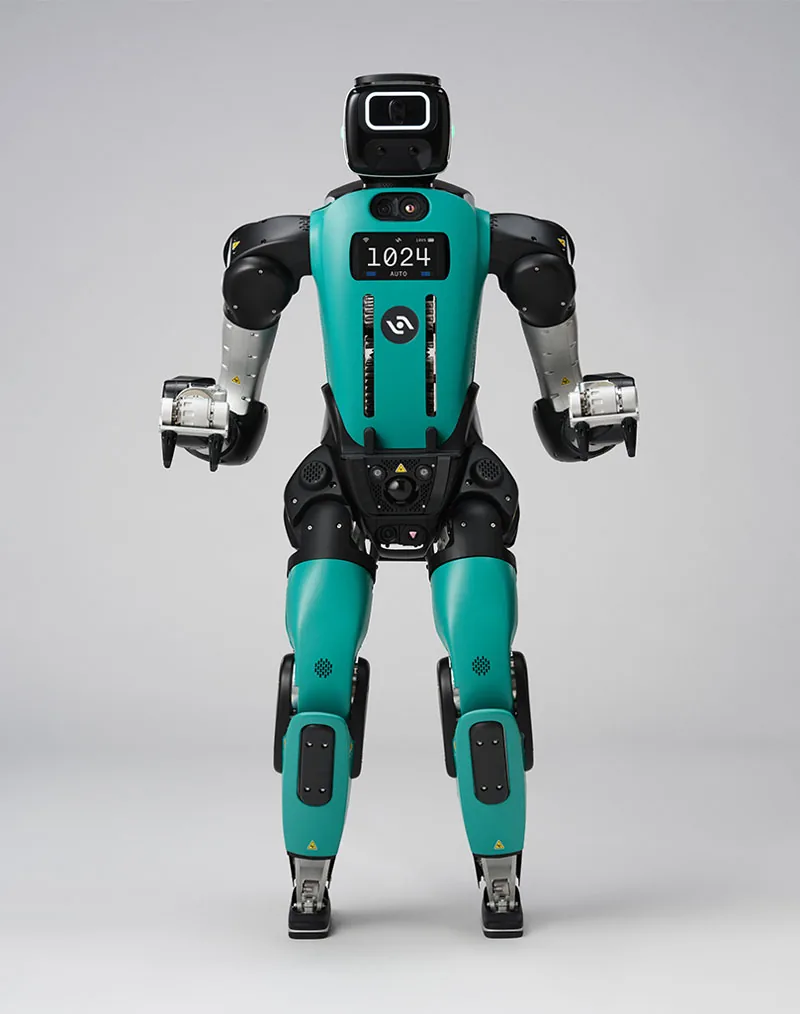
Digit
Bipedal humanoid for tote handling, palletizing and line feeding, mainly offered as Robots-as-a-Service and managed via the Arc cloud platform.
 Image
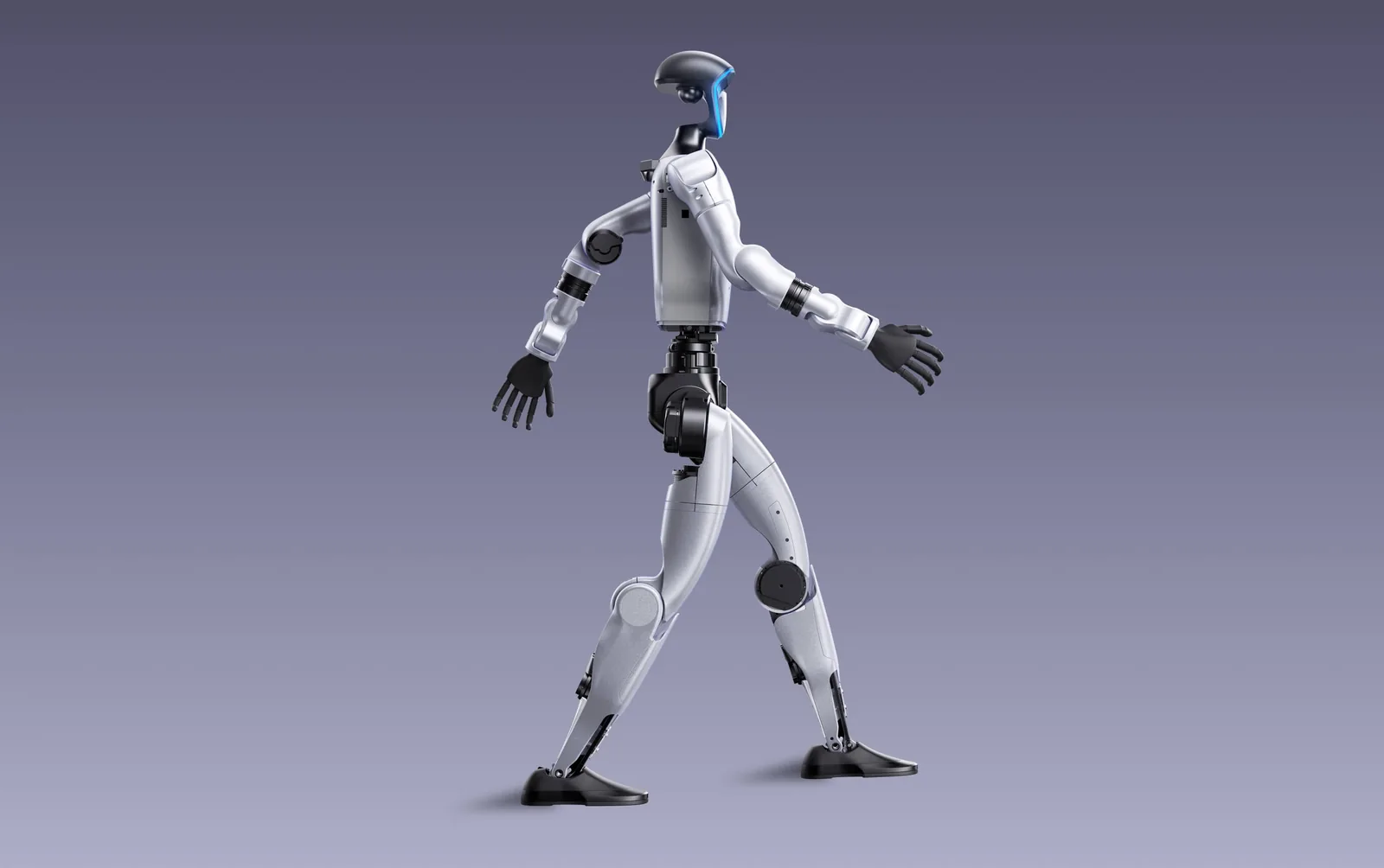
G1
A compact 132 cm, ~35 kg humanoid. The EDU version (23–43 DoF) is required for secondary development.
 Image
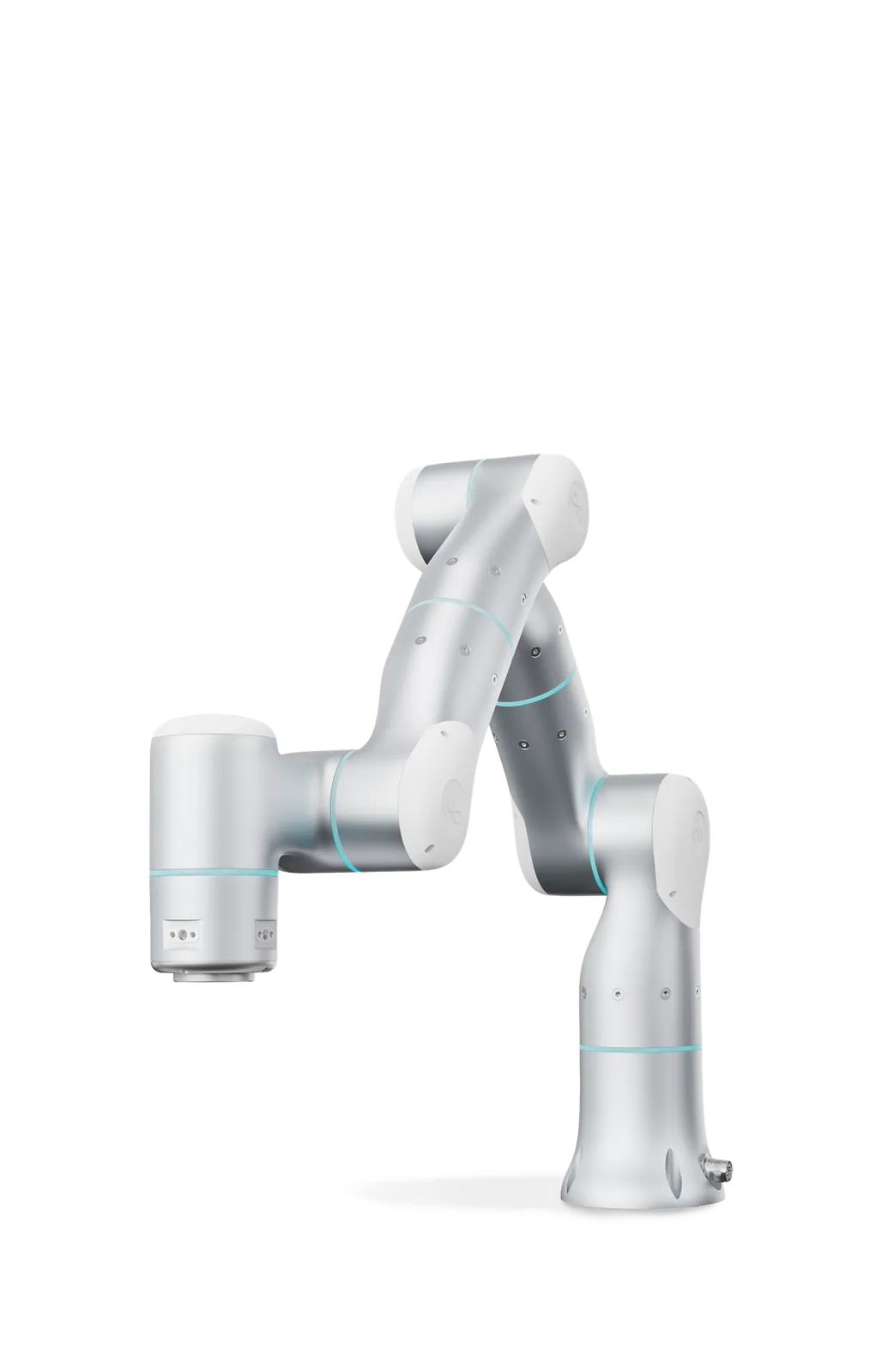
Rizon 4
A 7-axis adaptive arm with a 4 kg payload. Force sensing in every joint gives 0.1 N force accuracy, suited to precise contact work in tight spaces.